API Data Linking
By linking data managed in your systems via API, you eliminate duplicate data management and can manage and update content seamlessly and efficiently.

How to use API data linking

Image API
microCMS includes the imgix Image API.
After uploading an image, you can add parameters to the image URL to adjust:
- Image size
- Output quality
- Resolution and screen size
- Format
- Text
- Borders
and more.
imgix API usage is included in your microCMS plan, so you do not need a separate imgix contract.
How to configure the Image API Image editing page
Extension field
Extension fields let you select and link external data—such as data in your own database—from within the admin UI.
For example, highly sensitive data can stay in your database while remaining accessible from microCMS.
Because HTML loaded via extension fields is hosted on your servers, you can add network restrictions for that environment to further improve security.
Documentation SDK 
Webhook
When content or media is published or updated, you can send notifications to the tools you already use.
- Slack
- Chatwork
- Netlify
- Cloudflare Pages
- Vercel
- AWS Amplify
- GitHub Actions
- Email notifications (to any email address)
- Custom notifications (any URL)
Webhooks can be enabled or disabled, and you can verify that notifications originate from microCMS.
How to configure content webhooks How to secure webhooks Media can be linked via custom notifications (any URL).
How to configure media webhooks Use cases
Example: Link Amazon book data to microCMS
You can create a page to search Amazon books using the Amazon Product Advertising API and link them to microCMS via extension fields.
 Read the article
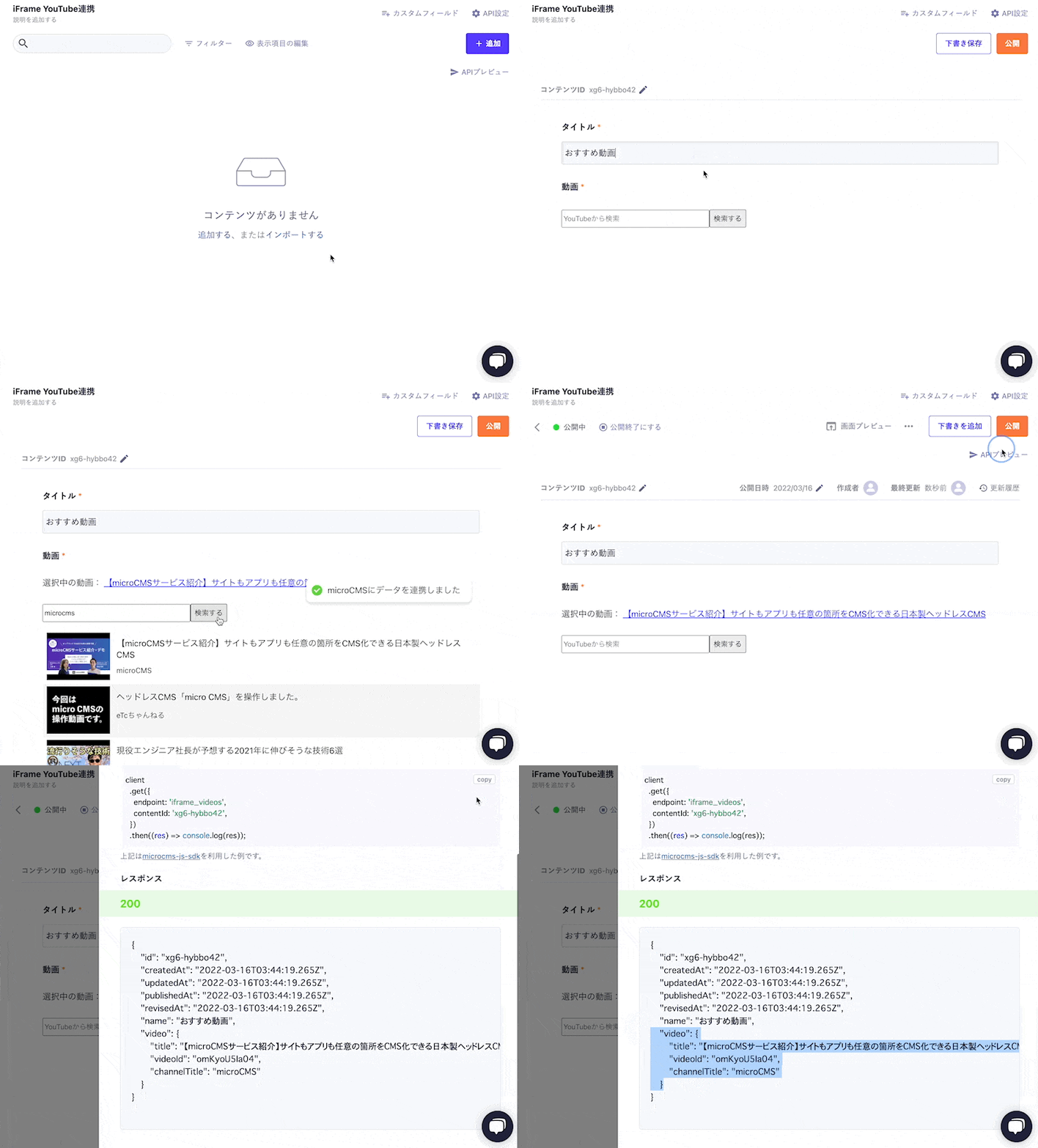
 Example: Deliver video content linked with YouTube
Using extension fields, you can add a video field to microCMS.
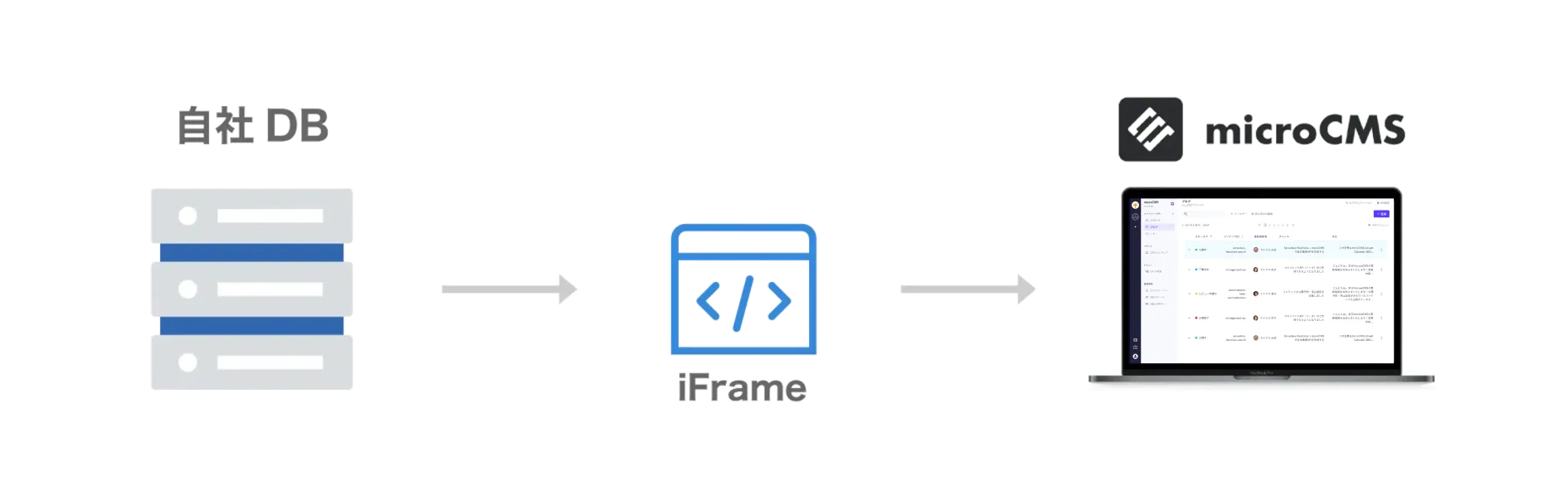
Example: Deliver content linked with your core business system
Using extension fields, you can import large amounts of product and image data from your core business system directly into microCMS and deliver it as website content.
This reduces manual updates, improves operations, and helps prevent data inconsistencies for better site quality.
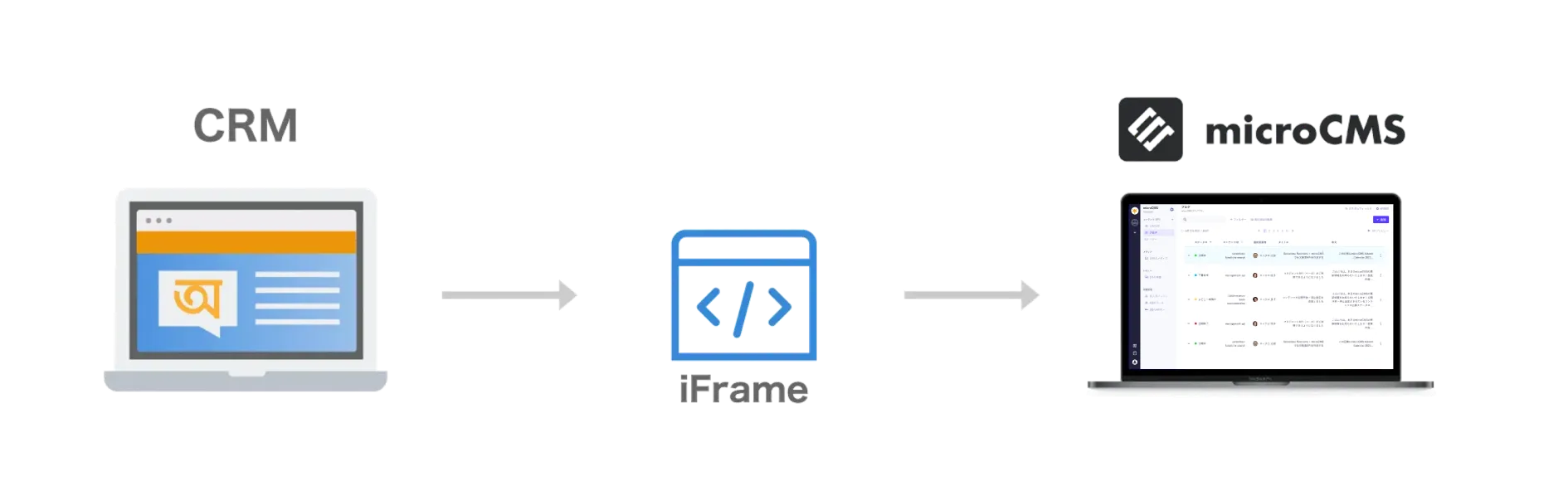
Example: Fetch customer data from CRM and link it to microCMS
Using extension fields, you can link user information held in external tools such as CRM systems with microCMS.
Design and implementation are required, but with thoughtful tagging you can personalize content for different users.
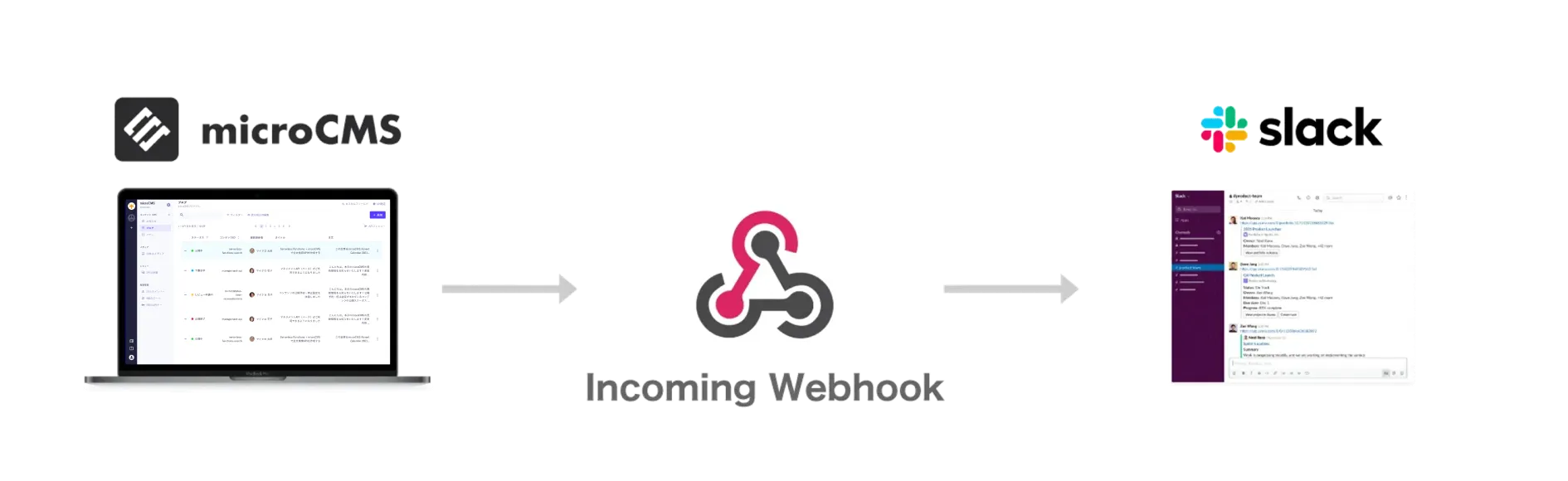
Example: Send notifications from microCMS to Slack
When content is published or updated—or when other specific changes occur—you can use webhooks to post messages to a designated Slack channel.
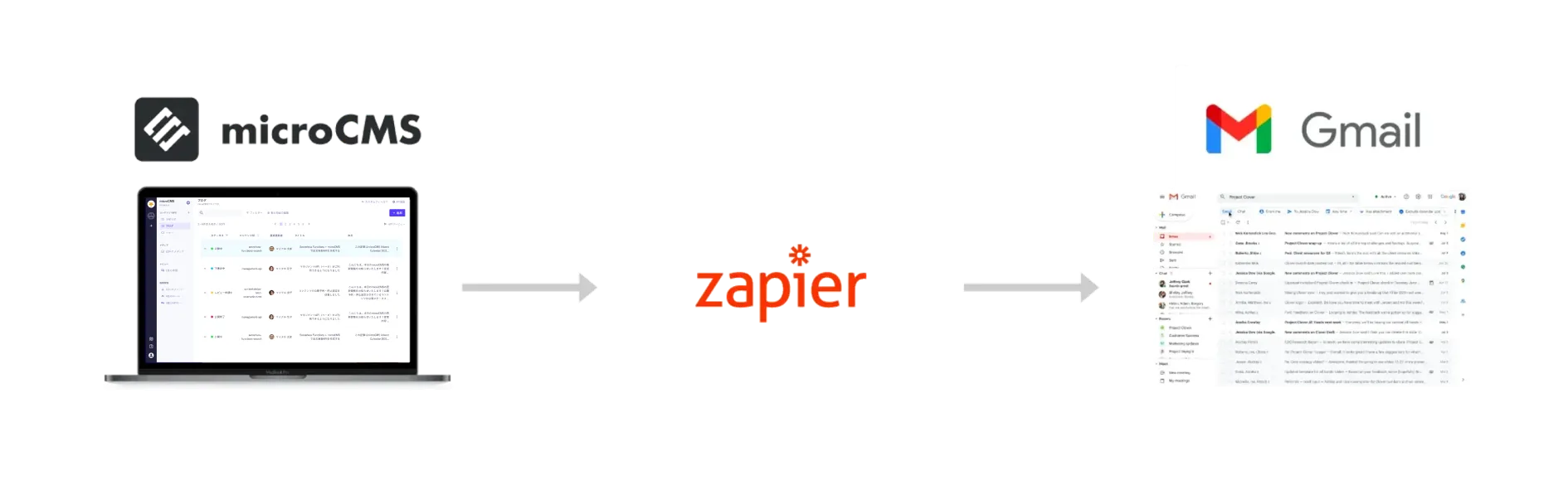
Example: Send notifications from microCMS to Gmail
When content is published or updated—or when other specific changes occur—you can use webhooks to send messages to a designated email address.
These are just a few examples. microCMS APIs for retrieving data are optimized for developers, enabling flexible design via API.
View documentation



Get started with microCMS at no cost.
Contact us if you have any questions.


