Workflow
In addition to various editing features that make content editing smoother, we offer many features useful for organizing internal workflows—such as review requests and notifications.

Draft save & preview
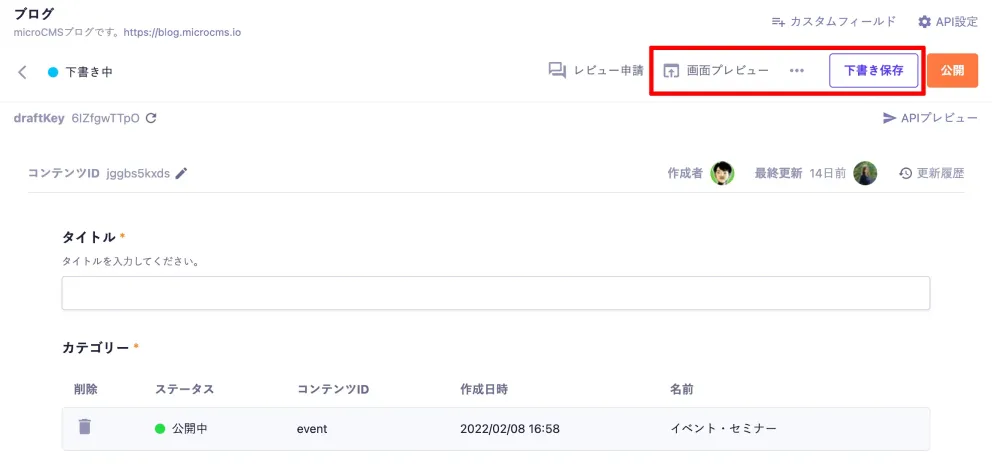
Save articles and pages as drafts before publishing, and preview them on a preview screen.
See setup guide
Related:
Build a preview page with microCMS and Nuxt Build a preview page with microCMS and Gatsby Implement preview with Next.js Preview Mode and Vercel Draft preview with Preview Mode Content ID (slug)
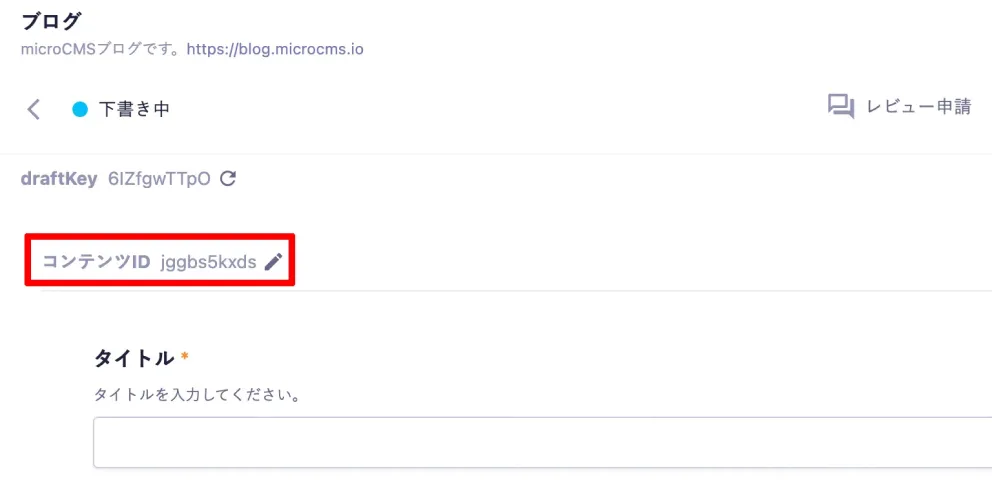
A content ID is a unique value for each piece of content. In blogs and media articles, it is often used as a slug.
In microCMS, content IDs are generated randomly, and you can change them by clicking the edit icon.
Related:
You can now specify content IDs when creating content Content ID format settings are now available Content status
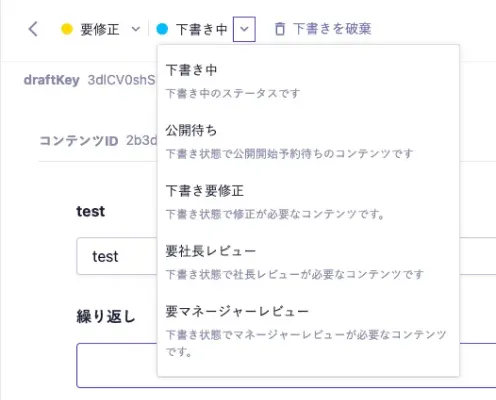
Three statuses are available: Published, Draft, and Closed.
You can also create custom statuses in addition to these three.
*Custom status is available on Business and Enterprise plans. See the Custom Status section on the pricing page for details.
Pricing page Review requests
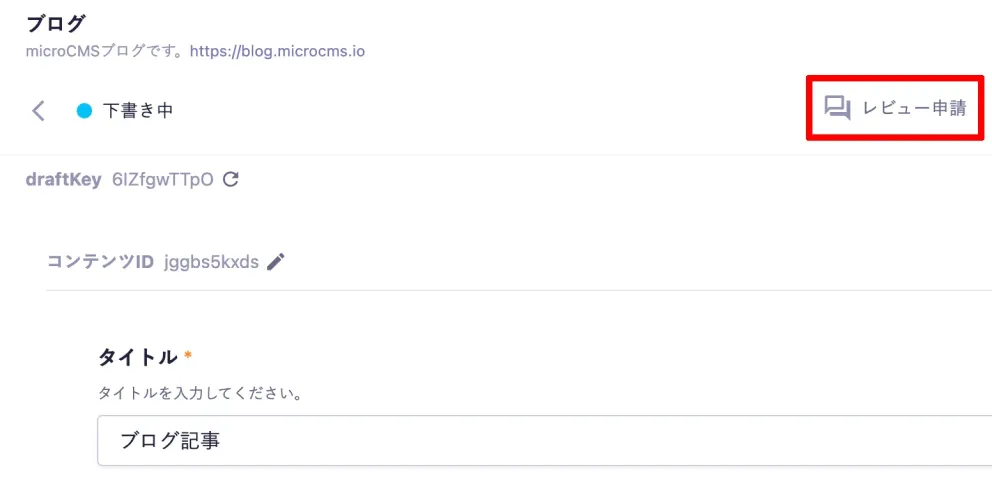
A useful feature for organizing workflows when multiple people manage content or when content creation is delegated to external members.
You can submit a review request before publishing or closing content. After submission, comments appear in a timeline on the review management screen.
You can assign multiple reviewers and send notifications to registered email addresses.
*Only members with review viewing permissions can be assigned as reviewers.
Related:
Review request feature added You can now assign reviewers when requesting a review You can now request a scheduled publish date when submitting a review You can now request a scheduled unpublish date when submitting a review Review requests from Published to Closed are now supported AI review
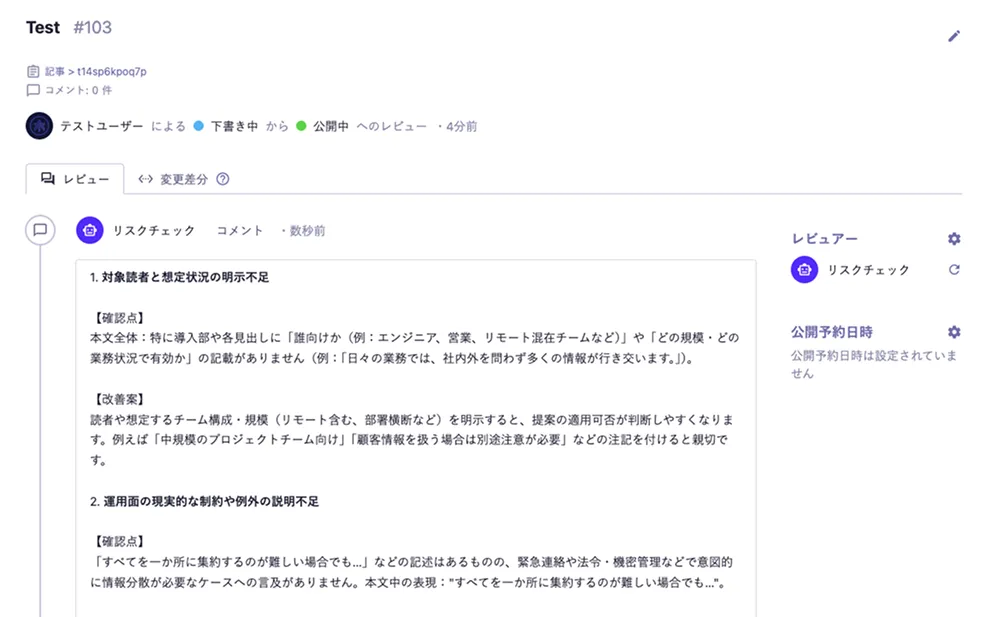
AI automatically reviews content created in microCMS and provides suggested edits and feedback as comments.
It helps reduce pre-publish review effort and improve content quality.
Related:
AI review feature released *AI review is available on Team, Business, and Enterprise plans. See the AI Review section on the pricing page for details.
Pricing page Scheduled publishing

Useful when you want to publish content only during a specific period—for example, by setting campaign start and end dates.
Scheduled publish
At the specified time, the content publish webhook runs and the saved draft content is published to production.
Scheduled unpublish
At the specified time, the content unpublish webhook runs and published content is closed.
Related:
Improved scheduled publish and unpublish settings Released feature to restrict updates and deletion of scheduled content See setup guide Publish
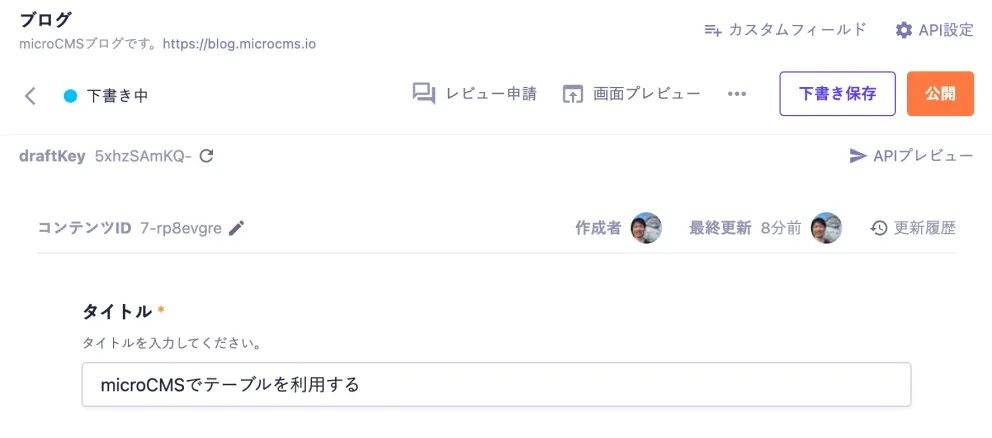
Enter your content and click the Publish button in the upper right to publish it and make it available via the API.
You can also publish content using keyboard shortcuts.
Related:
You can now publish content with keyboard shortcuts Notifications
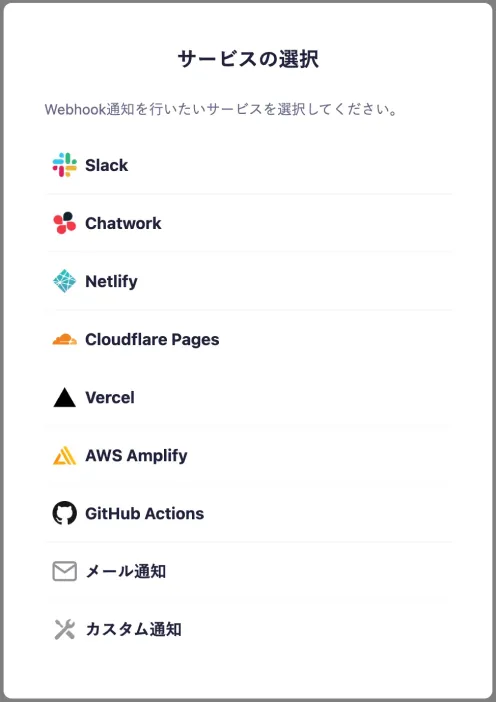
Send notifications to your everyday tools when content is published or updated.
Integrations are available via the methods below, with more destinations planned.
- Slack
- Chatwork
- Netlify
- Cloudflare Pages
- Vercel
- AWS Amplify
- GitHub Actions
- Email notifications (any email address)
- Custom notifications (any URL)
Content edit history
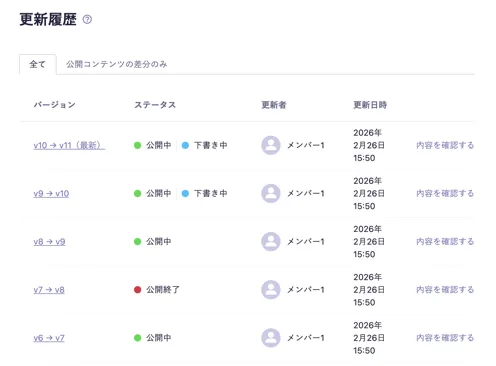
A useful feature for organizing workflows and recovering from accidental updates.
Edit history is saved automatically when you publish, save as draft, or schedule content. You can view a list of past updates and their details.
Related:
You can now view edit history Content edit history improved *Among content edit history features, restoring past versions is available on Business and Enterprise plans. See the Restore Past Content Versions section on the pricing page for details.
Pricing page Content search
Full-text search
Search the full text of referenced content.
Find the content you need quickly, even when there are many referenced items.
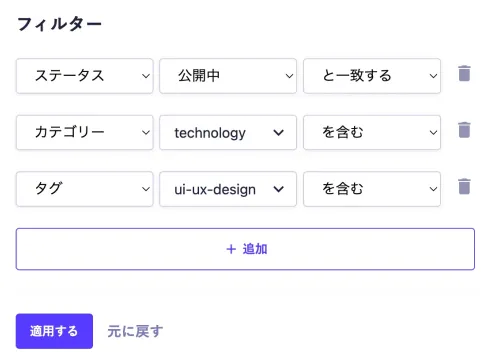
Filter search
Search by multiple conditions such as status, text, and publish date.
Useful when you want to search or narrow down content by specific criteria.
Related:
Admin content filters significantly expanded You can now search content references CSV import/export
CSV import
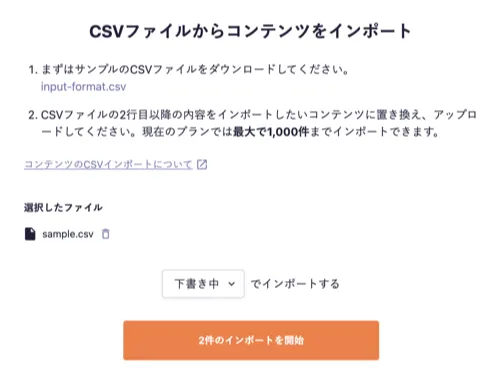
Bulk-register content from a CSV file.
Useful when migrating content from another CMS or registering many items at once.
*The maximum number of content items you can import at once varies by plan. See the CSV Import section on the pricing page for details.
CSV export
Export content data as a CSV file from the admin content list.
Use it for simple backups, editing and analysis in Excel, or editing existing data for re-import.
*CSV export is available on Team, Business, and Enterprise plans. See the CSV Export section on the pricing page for details.
Pricing page Views
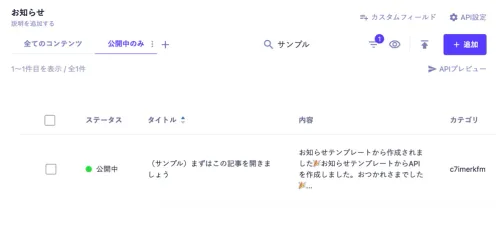
Save search conditions set on the content list screen and switch between them as tabs.
Quickly restore frequently used filters and sort orders to streamline daily updates and large-scale content management.
Related:
Views feature released: save display conditions on the content list *Views are available on Team, Business, and Enterprise plans. See the Views section on the pricing page for details.
Pricing page Unsaved changes dialog
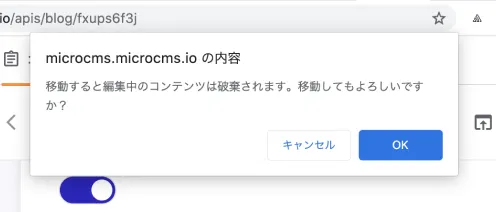
Use microCMS with confidence while editing blog posts that need careful revision or during important input work.
When there is unsaved content, a confirmation message appears to prevent accidental navigation or browser refresh while editing.
Related:
Added protection against accidental loss of unsaved content Multiple environments (staging)
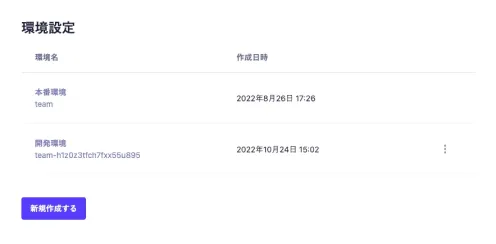
Add features or make changes without affecting the production environment. Useful in cases such as:
- When production is already live and developers need to change API schemas without risk
- When starting a new project and you want to separate development and production environments
Related:
Improved visibility of active environments *Multiple environment management is available on Business and Enterprise plans. See the Multiple Environment Management section on the pricing page for details.
Pricing page Editing member display
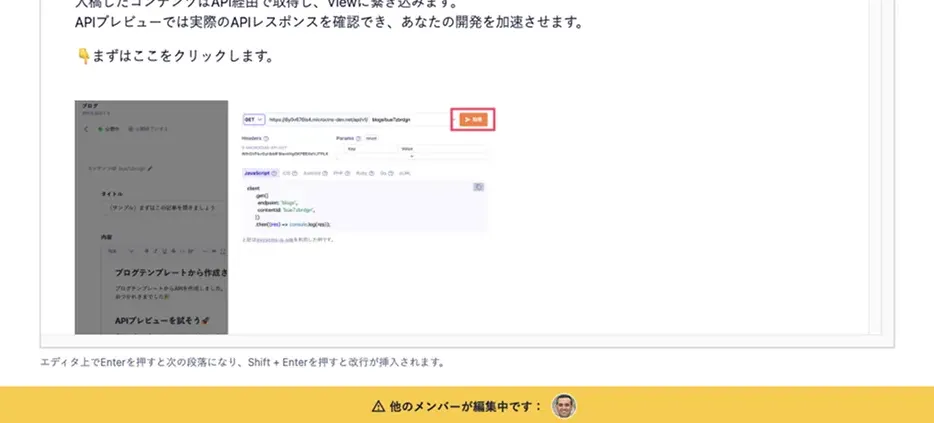
Content being edited by other members is easy to spot thanks to member icon indicators.
On the content list and edit screens, you can see in real time who is working on what—helping you coordinate work and prevent conflicting edits that could degrade content.
Related:
You can now see who is editing content *Editing member display is available on Business and Enterprise plans. See the Concurrent Edit Conflict Prevention (Editing Member Display) section on the pricing page for details.
Pricing page Use cases & tips
From basics to advanced workflows, explore practical ways to use microCMS.







Get started with microCMS at no cost.
Contact us if you have any questions.


