AI chat support (beta)
If you need help while using microCMS, open the AI chat support bubble at the bottom right of this page.
AI chat support is available 24/7 for all customers.
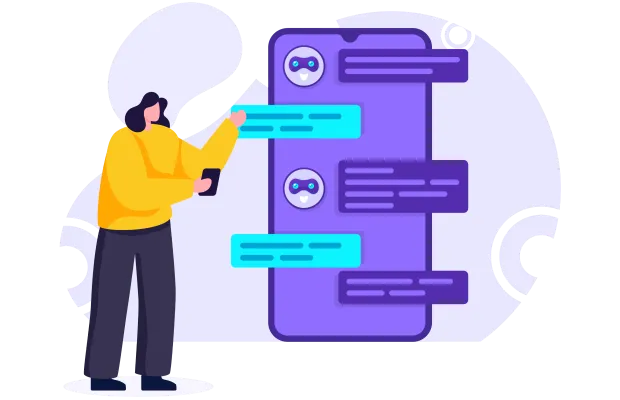
How to use AI chat support
- 1. Open chat — Click the blue bubble icon at the bottom right.
- 2. Send a question — Type your issue and press send.
- 3. Review the answer — AI generates a response in seconds. You can ask follow-up questions.
- 4. Escalate if needed — Use the contact form for issues that require human support.
AI chat support is currently available in Japanese. Documentation is available in English at document.microcms.io.

Try microCMS for free
Get started with microCMS at no cost.
Contact us if you have any questions.


